Vimarsana
Biggest News Aggregation in the World

Page 3 - Speaker Icon News Today : Breaking News, Live Updates & Top Stories | Vimarsana

Stay updated with breaking news from Speaker Icon. Get real-time updates on events, politics, business, and more. Visit us for reliable news and exclusive interviews.

Top News In Speaker Icon Today - Breaking & Trending Today

How To Add A Sound Filter To Your Snapchat Story - Vimarsana News

How To Add A Sound Filter To Your Snapchat Story

If you want to add a sound filter to your Snapchat story, you’ll need to make sure you have the latest version of the app installed on your phone. Then, open Snapchat and take a photo or video. Once you’re ready to add a sound filter, tap the icon in the top right corner that […]

How To Use Voice Filters On Snapchat - Vimarsana News

How To Use Voice Filters On Snapchat

Snapchat is a multimedia messaging app used globally, created by Evan Spiegel, Bobby Murphy, and Reggie Brown when they were students at Stanford University. The app was originally released in September 2011, and since then, Snapchat has added a number of features to its app, including filters. Voice filters are a fun way to change […]

Sending Audio In Snapchat Is Easy! - Vimarsana News

Sending Audio In Snapchat Is Easy!

Sending audio in Snapchat is easy! Just follow these simple steps: 1. Open the Snapchat app and tap on the “Send To…” button. 2. Select the person you want to send the audio to from the list of recipients. 3. Tap on the “Record” button and record your audio message. 4. Once you’re done recording, […]

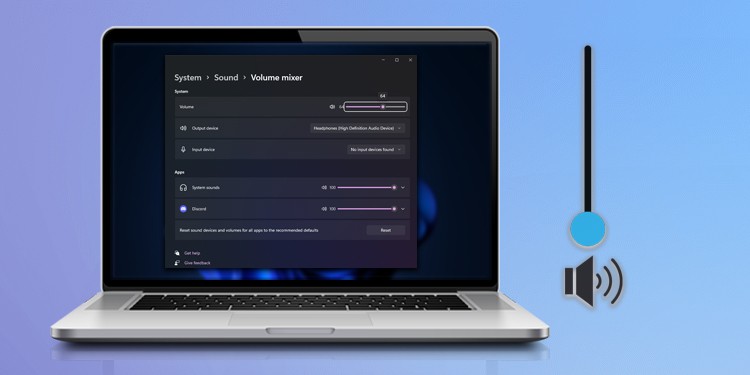
9 Ways On How To Adjust Volume In Windows - Vimarsana News

9 Ways On How To Adjust Volume In Windows

Volume levels set on your Windows may not suit every audio you play on the computer. There are many instances where you need to raise or lower the volume as

How To Test Speakers For Damage? - Vimarsana News

How To Test Speakers For Damage?

Is your speaker not working? Have you tried every possible fixes on your computer but nothing seem to work? Maybe the problem isn't on your computer but the