Microsoft now lets Windows 11 users set Windows Terminal as the default terminal application
Microsoft has just released Terminal Preview 1.12 and the company proudly proclaims that this release is
Source: betanews.com
Stay updated with breaking news from Terminal Preview. Get real-time updates on events, politics, business, and more. Visit us for reliable news and exclusive interviews.
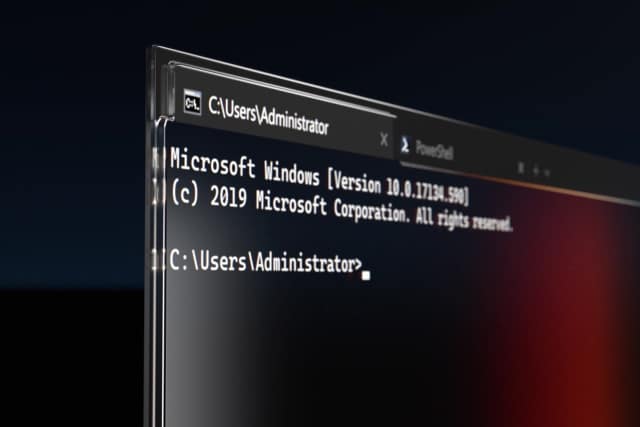
Microsoft has just released Terminal Preview 1.12 and the company proudly proclaims that this release is

Microsoft has also replaced the Feedback button in Windows Terminal's dropdown menu with a command palette button due to the fact that hardly any users were taking advantage of it. Now users can launch a command palette from the dropdown menu instead or by typing the keyboard shortcut Ctrl + Shift + P. User defaults and actions The user interface of Windows Terminal's settings menu has also been given some attention by Microsoft in its latest release and the company has decided to bring back the “Defaults” section. As a result, users can now configure the default settings for all profiles...

Install python3 (If needed) sudo apt update sudo apt install python3 Run the script, press 1 or 2 keys and you are done. ./setup.py Troubleshoot If the wizard does not appear then either type in "kinto.sh" in your application overview search bar or run this following command. ~/.config/kinto/gui/kinto-gui.py Issues with Numpad? Try toggling numlock on & off (clear key on official mac keyboards). If it still does not work then restart the Kinto service and try toggling the numlock/clear key again, it will likely work after that. #369 Uninstall Kinto Other tips If you want a global menu app sim...