Apple slammed over horrifying new iPhone ads that recommend gambling apps alongside therapy
Apple has new adverts on the iPhone's App Store, and some of the recommendations are absolutely awful.
Source: imore.com
Stay updated with breaking news from Pad App Store. Get real-time updates on events, politics, business, and more. Visit us for reliable news and exclusive interviews.

Apple has new adverts on the iPhone's App Store, and some of the recommendations are absolutely awful.

Once upon a time you needed a loud, disk-spinning gaming console hooked up to a giant, heavy TV. Now? An iPad.

The magazine of the science fiction, fantasy, and horror field with news, reviews, and author interviews
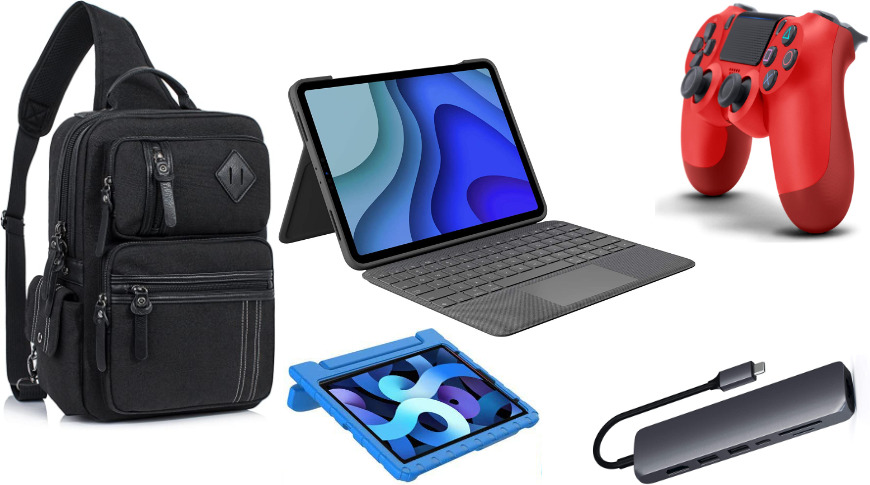
Keyboards You can use an external keyboard or keyboard case to add notebook-like functionality to your iPad. External keyboards bring a vastly improved typing experience to the touch-based device, and keyboard cases with built in trackpads bring even more versatility thanks to iPadOS. Keychron K1 Keychron K1 The Keychron K1 is an ultra-thin RGB mechanical keyboard with three bluetooth radios and Gateron low-profile switches. Between its slim design and various connection options, this keyboard is the perfect companion to your new iPad. You can use this at your desk paired with a Mac to instan...

How to See an iPhone App’s In-App Purchases Before Downloading It Dec 17, 2020, 9:00 am EDT | 1 min read Many apps on the iPhone and iPad App Store include the option for In-App Purchases, which lets you unlock or buy additional features within the app after you download. Here’s how to check which In-App Purchases are available before you download an app. First, open the App Store on your iPhone or iPad. If you can’t find it, swipe down with one finger on the Home screen and type “app store,” then click on the “App Store” icon when it appears.