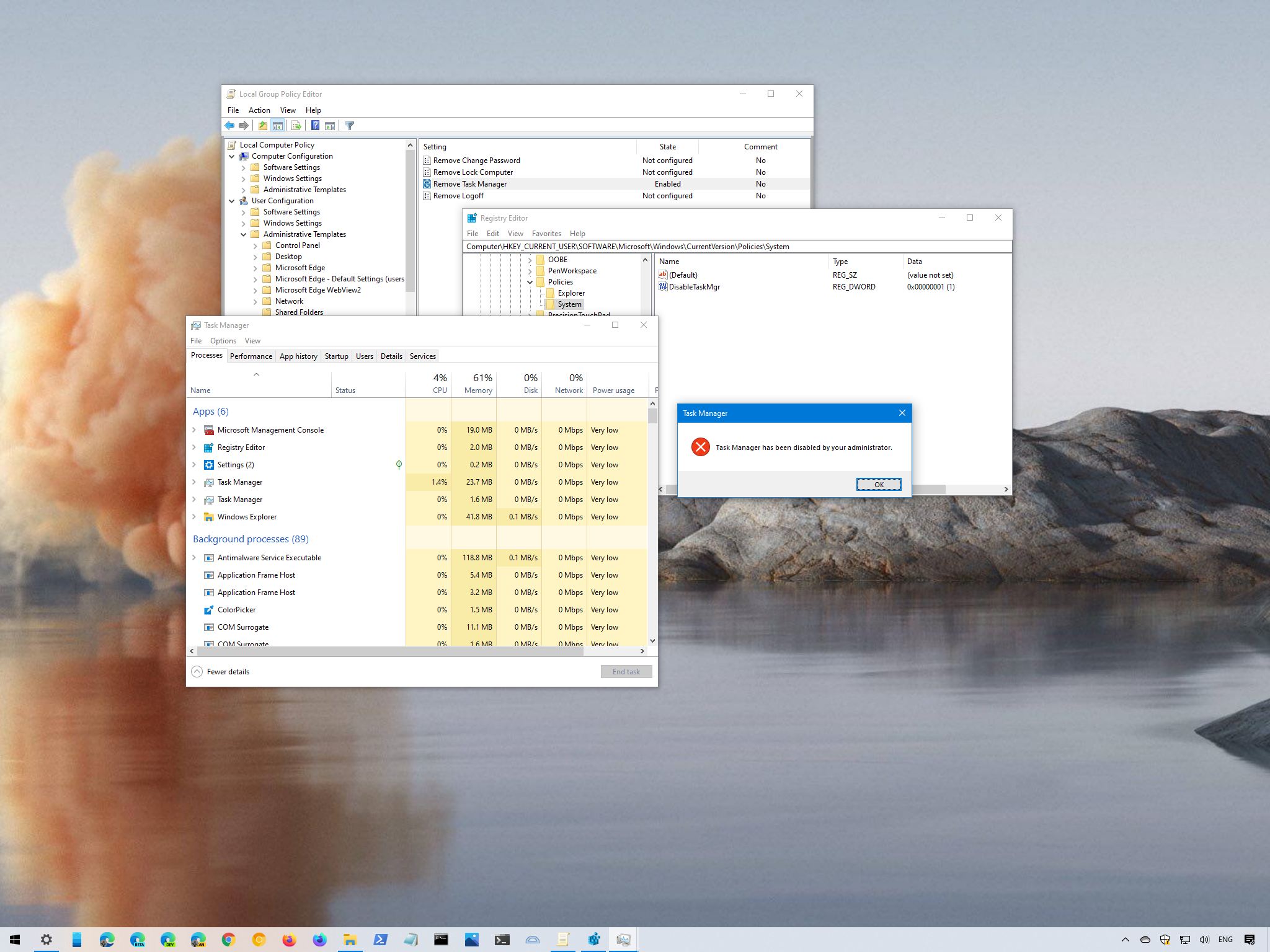
OK button. Once you complete the steps, Task Manager will no longer be available through the experience. For example, the Ctrl + Shift + Esc keyboard shortcut won't work, the Task Manager option from the taskbar context menu will be disabled, and the option in the Lock screen won't be available. If the user tries to open the app from within the Start menu or elsewhere, they will receive a "Task Manager has been disabled by your administrator" message. If you no longer need to restrict access to the Task Manager, you can undo the changes using the same instructions, but on