How to use the new Snap Camera Christmas filters on Zoom calls
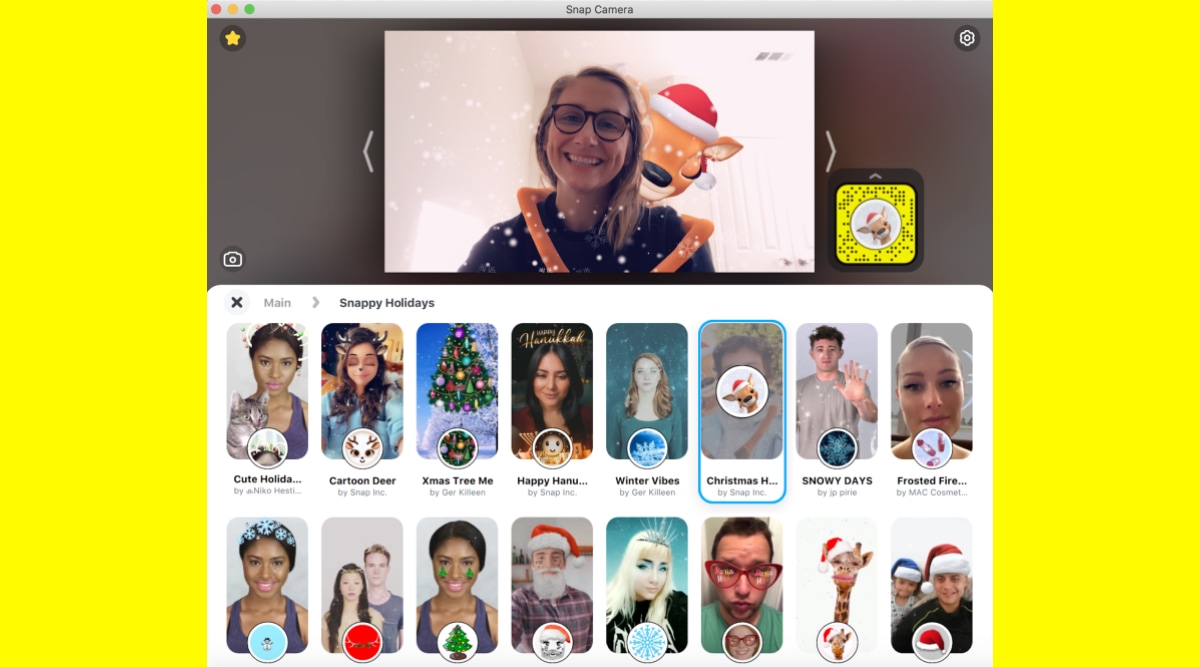
Step 1: First, you will need Snap Camera and Zoom installed on your desktop or laptop. If you’re reading this tutorial, you likely have Zoom already set up on your system. Head over to the Snap Camera website and set it up too. Step 2: Open Snap Camera and you’ll see a live preview of your camera output on the top half of the window. On the bottom are filters you can try out. Double click on any of the filters to activate them in real-time. Once you see the filter in action in your live preview in Snap Camera, you’re ready to take it to Zoom.
Source: indianexpress.com