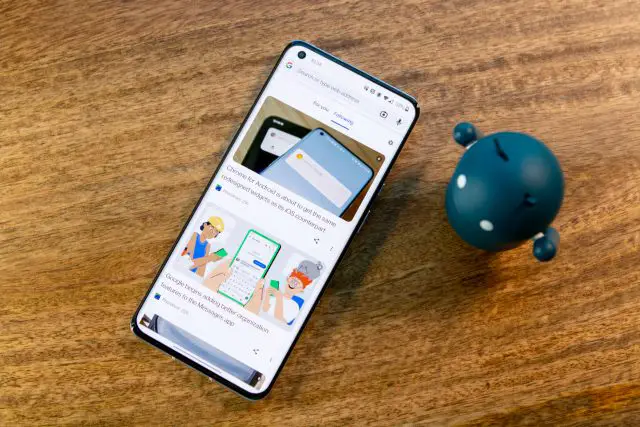
How to unlock the Google Reader feature in Chrome to follow your favorite websites
From the drop-down menu, select Enabled. After you tap Enabled, Chrome will throw up a prompt at the bottom stating that the flag won’t be enabled until Chrome is restarted. There’s also a nice little Relaunch button that you can tap to automatically re-launch Chrome instead of doing it yourself. After Chrome relaunches, the Web Feed feature should now be enabled. Use Web Feed in Chrome for Android Now that the flag has been enabled, you can now start using the new Web Feed in Chrome for Android. Here’s what you’ll need to do in order to follow your favorite websites:
Source: phandroid.com